Are Azure Data Factory Mapping Data Flows Costing More Than the Data They Move?
Mapping Data Flows run on a managed Spark cluster that takes minutes to start and bills by the vCore hour. For a large nightly transformation that is reasonable. For a few hundred thousand rows it is a cluster spun up to do what one SQL statement would do inside the warehouse.
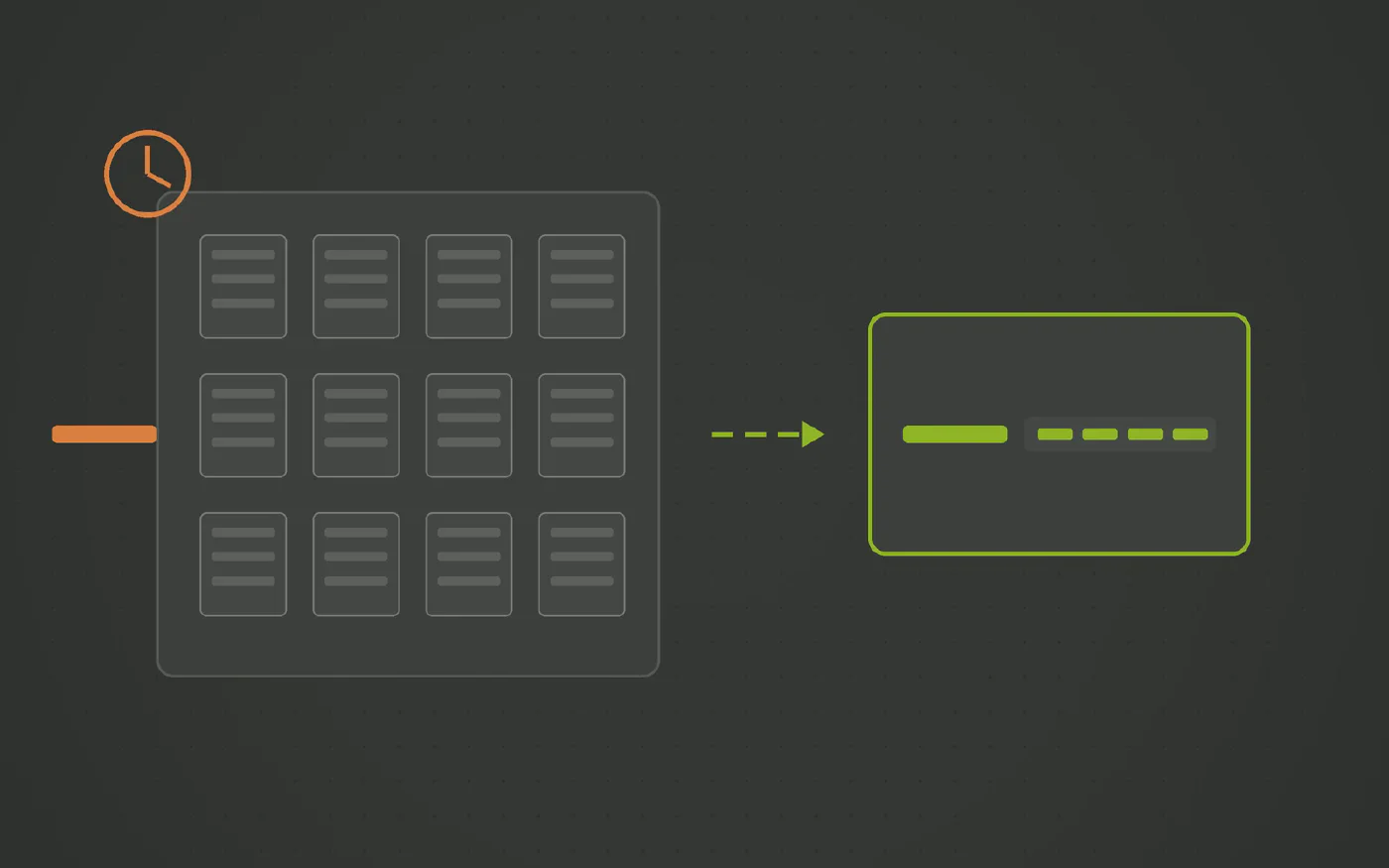
The data warehouse automation solution trusted by data teams across industries









Does this sound familiar?
- Small nightly transformations show up as the largest line on the Data Factory bill.
- Every Data Flow run waits minutes for a cluster before it does any work.
- The integration runtime keeps a warm cluster to avoid the wait, and now it bills while idle.
- The same transformation exists as a Data Flow and as a stored procedure, because someone rewrote it to save money.
Mapping Data Flows are how Azure Data Factory transforms data without code, and under the canvas each one runs on a managed Spark cluster. The cluster starts, the flow runs, the cluster stops, and the bill is per vCore hour. For a large transformation that is a fair trade. For the typical warehouse load it is a cluster spun up to do the work of one SQL statement.
Why the cost creeps
- Every run pays for a cluster. Start up takes minutes, and those minutes are billed whether the flow processes a million rows or ten thousand.
- Keeping it warm moves the cost, not removes it. A time to live on the integration runtime avoids the wait and bills for the idle cluster instead.
- Small loads dominate the count. Most warehouse loads are small and frequent, which is the worst shape for per cluster pricing.
- The data is already in a database. It is read out of the warehouse into Spark, transformed, and written back, when the warehouse engine could have done the work in place.
Nothing here is a Data Flow fault. Spark is priced for heavy transformation. Standard warehouse loads are not heavy.
Where the transformation belongs
- Inside the engine that holds the data. Fabric, Synapse, Azure SQL and SQL Server are all set based engines. A delta load is a statement they run well.
- As a delta, not a pass. A generated vault load compares against what is already historized and touches only what changed.
- Generated once per platform. Set based SQL tuned to the target engine, not tuned per flow by whoever built it.
What changes with Datavault Builder
Datavault Builder generates set based delta loads for hubs, links and satellites, compiled for Fabric, Synapse, Azure SQL or SQL Server, so standard transformations run inside the warehouse with no cluster in the loop.
- No cluster for standard loads. The load is a statement in the engine that already holds the data. No start up, no idle time.
- Every load is a delta. Only new and changed rows move, so cost tracks how much the source changed rather than how big it is.
- History is a satellite, not a rerun. As-was questions are answered from stored change, not by recomputing the past each night.
- Spark stays for Spark work. Very large or non relational transformations can keep a cluster. They are the exception, and they no longer set the price of everything else.
- Compute is a sizing question. Warehouse capacity is something you reserve and forecast. Cluster minutes per run are not.
What to decide
Take the Mapping Data Flow lines from the Azure bill and sort the flows by rows processed per run. Everything below the point where a cluster start costs more than the work is a load that should be generated as SQL.
See It Running on One of Your Sources
Book a free demo and bring the connector that costs you the most, in money or in time.
Three Steps to a Pipeline You Control
-
List the Data Flows by rows processed
Most are small. A cluster per run for a small table is the cost problem in one line.
-
Generate the loads as SQL
Datavault Builder compiles set based delta loads for Fabric, Synapse, Azure SQL or SQL Server. They run where the data is.
-
Keep Spark for Spark work
Genuinely large or unstructured transformations can stay on a cluster. The standard warehouse loads do not need one.
How Datavault Builder Takes the Friction Out of Ingestion
-
Ingestion is built in
Batch, delta and CDC loads from databases, files, REST APIs, NoSQL and Python sources, with streams such as Kafka arriving as micro-batches. Same platform that generates the warehouse, no second invoice.
-
Your schema, not the vendor's
Source tables are mapped to a Data Vault 2.0 model you designed. A new column or a renamed table changes a mapping, not a chain of post-load scripts.
-
Only deltas move
Hubs, links and satellites load what changed. Full reloads stay in staging instead of being reprocessed downstream every night.
-
History is kept by design
Every change is retained as it arrives, so as-was reporting works even where the source overwrites its own rows.
-
Code you never hand-write
Loading, historization and lineage are generated from the model in real time and run natively on Snowflake, Databricks, BigQuery, SQL Server, Fabric, Oracle or PostgreSQL.
-
One platform, up to nine tools fewer
Modeling, ETL, CI/CD, documentation and lineage in one place. That is what makes 14.7 minutes from requirement to production possible.
Recognized by BARC in The Data Fabric Survey 26
Meet Our Expert
Twenty minutes with our Sales Director, and an honest answer on whether this fits your stack.

Matt Collett
Sales Director
Great, pick a time that works for you:
Other Problems This Series Covers
-
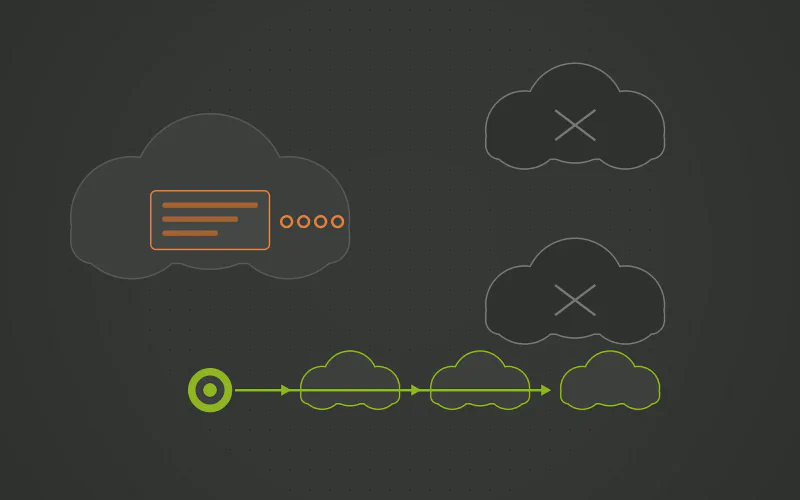
Azure Data Factory Pain Points: The Hidden Cost of UI Pipelines and Spark Transformations
Azure Data Factory is a good transport layer inside Azure and a poor place to keep a data warehouse. Used as the modeling and transformation suite it brings a canvas nobody can read, releases that fail on ARM templates and Spark clusters for loads that fit in one SQL statement. And every one of those pipelines exists only in Azure.
-
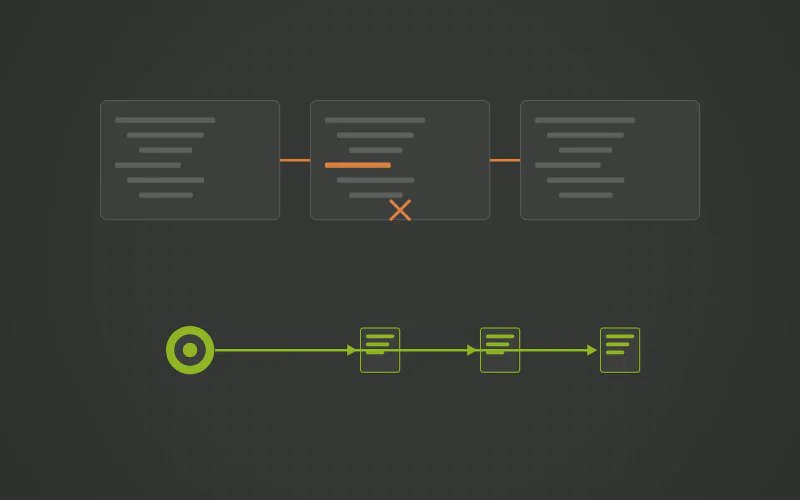
Does Every Azure Data Factory Release Turn Into an ARM Template Fight?
Under the visual editor, an Azure Data Factory is JSON: pipelines, datasets, linked services and the ARM template that deploys them. Promoting a change from Dev to Prod means parameter files, global parameters and a template that fails on one type mismatch. Releases should be generated from a model, with the rollback included.
-
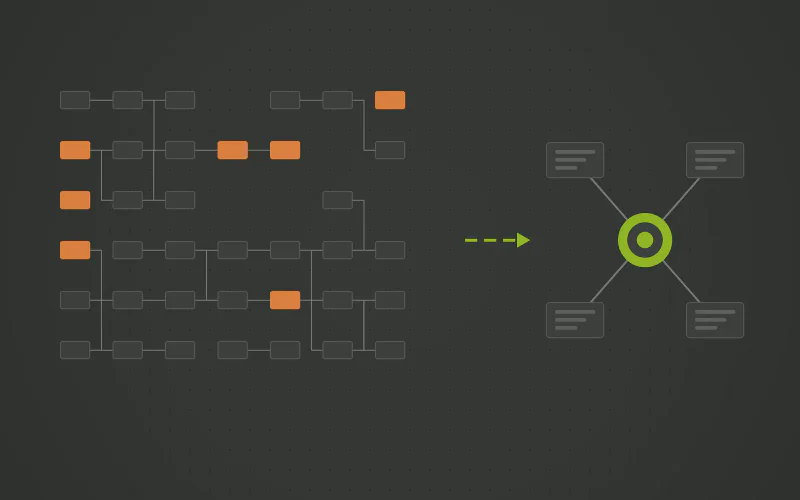
Has Your Azure Data Factory Canvas Outgrown the People Who Built It?
A drag and drop pipeline is quick to build and slow to change. Past a few dozen activities the canvas turns into the documentation, the wiring takes over the logic, and every new source is another copy activity nobody wants to touch. The fix is not a tidier canvas. It is a model that generates the pipelines.
Questions and Answers
- It removes the wait by keeping the cluster warm, and bills for the warm cluster. The cost moves from start up to idle time. The question is why a standard warehouse load needs a cluster at all.
- No. They run on Spark clusters managed by the Azure Integration Runtime, billed per vCore hour. Databricks is a separate service with its own pricing.
- Yes. The Stored Procedure and Script activities do exactly that, and they are the fair comparison. The issue is Mapping Data Flows for standard warehouse loads, and that the procedures those activities call are still written and maintained by hand, one per table. A generated load gives the in engine execution without the hand-written procedures.
- For set based loads of relational data, almost always: the engine already holds the data and is priced for exactly that work. Spark earns its place on very large or non relational transformations, which are a minority of warehouse loads.